ABOUT THE GAME
4 Games for 2 Players game overview
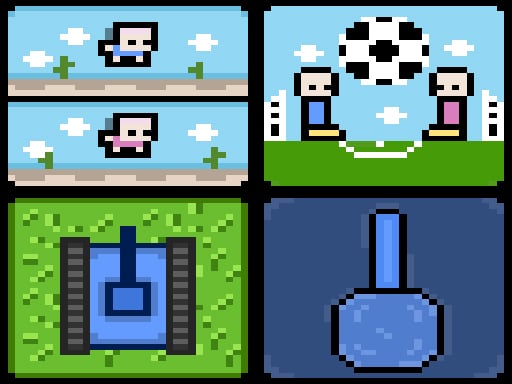
Four distinct minigames turn the same shared screen into several kinds of head-to-head challenge. Some rounds reduce the input to one jump button; others allow full directional movement. The separate keyboard schemes confirm that both players act at the same time rather than passing a single character back and forth. A result in one activity leads the pair to another contest with a different control demand. Success depends on reading the current minigame before pressing familiar keys, since a direction used for movement in one round may not be needed in the next. Each game supplies its own win or loss outcome between the two local competitors.
WHAT TO EXPECT
Before you start
Two people sit at the same keyboard, learn the brief rule of the selected activity, compete through a short round, and then switch to another of the four formats.
GETTING STARTED
How to play 4 Games for 2 Players
Choose a minigame and identify whether it uses jumping alone or directional movement. Each player should keep to the controls assigned to their side of the keyboard.
React to that round's obstacles or opponent and play until its result is decided. Start another activity when both players are ready for the changed rules and inputs.
CONTROLS
Controls and device setup
One player uses W or the WASD keys; the other uses Up or the Arrow keys, according to the selected minigame.
PLAY SMARTER
Tips for 4 Games for 2 Players
- Confirm the current round's reduced controls before both players start moving.
- Keep hands on separate keyboard zones to avoid blocking the opponent's keys.
- Adapt between jumping and movement games instead of carrying over one rhythm.