ABOUT THE GAME
Car Simulator 3D game overview
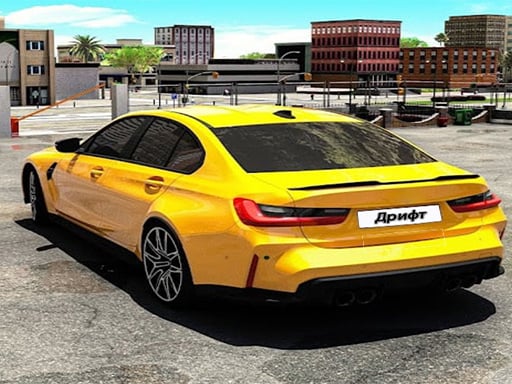
A large city functions as an open driving space rather than a single closed circuit. Players can explore its streets, select missions, enter races, and change between a variety of cars. Vehicle modifications provide a separate reason to engage with the driving activities. Online multiplayer modes bring other drivers into the same broader experience, while free exploration allows travel without a prescribed finish line. Missions and races supply structured completion when desired. The simulator documents no universal game-over state for ordinary city roaming.
WHAT TO EXPECT
Before you start
A session can shift from casual street exploration to a defined objective. Drivers accelerate through the city, brake for corners, use the handbrake for sharper changes, and choose another mission, race, or vehicle modification.
GETTING STARTED
How to play Car Simulator 3D
Begin in open streets to learn the current car's acceleration and braking distance. Turn before the lane ends, and use ordinary braking before relying on the handbrake.
Choose a mission or race when a structured target is wanted, then adapt the route to its goal. Visit the modification options to adjust the available cars between drives.
CONTROLS
Controls and device setup
Press W or Up to accelerate, S or Down to brake, A and D or Left and Right to steer, Space for the handbrake, and Esc to pause.
PLAY SMARTER
Tips for Car Simulator 3D
- Test a newly selected car in open streets before entering its first race.
- Use the handbrake for tight turns, not every ordinary city corner.
- Brake before steering sharply so the vehicle keeps a more predictable line.