





ABOUT THE GAME
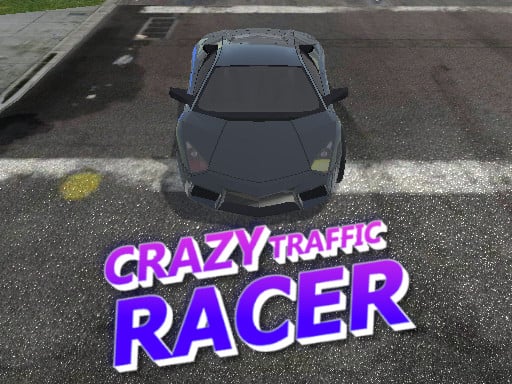
Crazy Traffic Racer game overview
Crazy Traffic Racer unfolds on busy roads where a fast car must weave through moving traffic. The central activity is to accelerate, steer, brake, and maintain a clean route between other vehicles. During three-dimensional highway traffic driving, success depends on choosing open lanes early enough to avoid abrupt high-speed corrections. Continued clean driving increases the challenge as speed and traffic pressure grow. A heavy collision or loss of control ends the current traffic run. Recheck decisions in Crazy Traffic Racer before committing again.
WHAT TO EXPECT
Before you start
Crazy Traffic Racer offers three-dimensional highway traffic driving centered on choosing open lanes early enough to avoid abrupt high-speed corrections. Expect continued clean driving increases the challenge as speed and traffic pressure grow. Risk: a heavy collision or loss of control ends the current traffic run.
GETTING STARTED
How to play Crazy Traffic Racer
Begin by accelerate only after identifying a clear opening beyond the first car. Then accelerate, steer, brake, and maintain a clean route between other vehicles. In Crazy Traffic Racer, pause before sending another input.
Change lanes gradually instead of steering across multiple gaps at once. Continued clean driving increases the challenge as speed and traffic pressure grow. When pressure rises during three-dimensional highway traffic driving, remember that a heavy collision or loss of control ends the current traffic run.
CONTROLS
Controls and device setup
On a desktop keyboard, press W or Up Arrow to accelerate, A/D or Left/Right Arrow to steer, and S or Down Arrow to brake. Mobile provides on-screen control buttons.
PLAY SMARTER
Tips for Crazy Traffic Racer
- Brake when two vehicles close the available route ahead while playing Crazy Traffic Racer.
- Return to a stable lane before adding more speed while playing Crazy Traffic Racer.
- Scan several car lengths forward so traffic changes do not force panic.