ABOUT THE GAME
Cube Master game overview
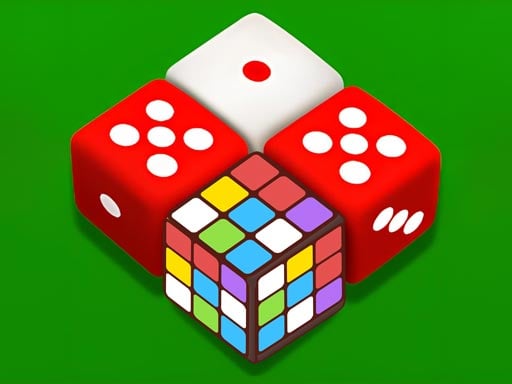
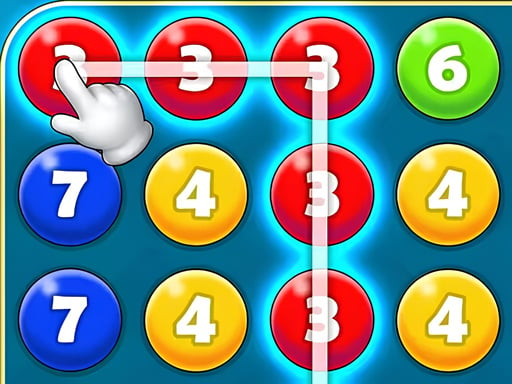
Colored cubes form groups that can be selected and removed together. A useful blast should contribute to the current level objective, not simply eliminate the first cluster in view. Larger changes can open new adjacencies, allowing formerly separated cubes of the same color to meet. Power-ups support difficult arrangements, while scores record how effectively a board is handled. New levels increase the challenge and present different color layouts or targets. The exact interface uses one tapping player and offers no second-player keys, lobby, or matchmaking option.
WHAT TO EXPECT
Before you start
Inspect the objective, choose a same-color cube group, trigger the blast, observe the reshaped board, and continue until the target is completed with a stronger score.
GETTING STARTED
How to play Cube Master
Select groups that both satisfy the required color and alter the board favorably. A small blast can be worthwhile when it joins two larger clusters above and below.
Hold a power-up until ordinary matches cannot reach an important area efficiently. Recheck the objective after every major board change instead of chasing score alone.
CONTROLS
Controls and device setup
Desktop players use the left mouse button to select a matching cube group; mobile players tap that colored cluster on the screen.
PLAY SMARTER
Tips for Cube Master
- Remove a narrow separator when doing so will combine two large same-color regions.
- Use power-ups on blocked objectives rather than spending them for routine score gains.
- Compare the remaining target count with every available cube color before selecting.