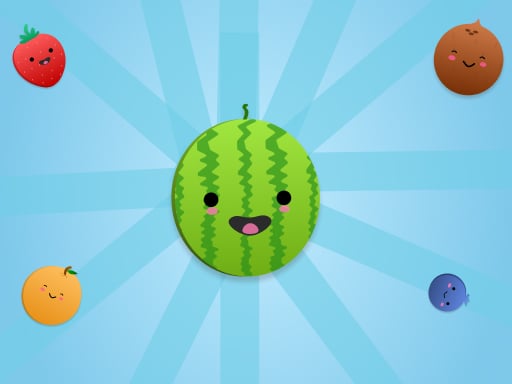
ABOUT THE GAME
Fruit Merge: Juice Jumble game overview
A fruit waits above the box until its landing position is chosen. When it touches an identical piece, the pair combines into a larger fruit and raises the score. Careful placement can keep matching sizes close enough for a later drop to trigger more than one merge. Space is the central constraint because the session ends once the container fills. Buttons can shift the entire pile left or right, but each direction is available only five times. Those limited moves can rescue a separated pair or open a landing lane, yet cannot replace an orderly stack.
WHAT TO EXPECT
Before you start
Players drag the next fruit across the opening, release it into a chosen column, watch the pile settle and merge, then plan around the new sizes and remaining horizontal shifts.
GETTING STARTED
How to play Fruit Merge: Juice Jumble
Place equal fruit near one another without sealing small pieces beneath larger ones. Before releasing, follow the likely bounce and check whether the landing can connect an existing pair.
Use a side button only when moving the full pile creates a valuable merge or a necessary gap. Continue combining upward while keeping the stack below the top of the box.
CONTROLS
Controls and device setup
Hold and drag with the mouse or a finger, release to drop fruit, and select the side buttons to shift the pile.
PLAY SMARTER
Tips for Fruit Merge: Juice Jumble
- Keep the largest fruit toward one side so smaller pairs have room to meet.
- Save several box shifts for a crowded late position rather than spending them early.
- Drop onto a ready pair when the resulting larger fruit can immediately touch its match.


