ABOUT THE GAME
Geometry Dash Maze Maps game overview
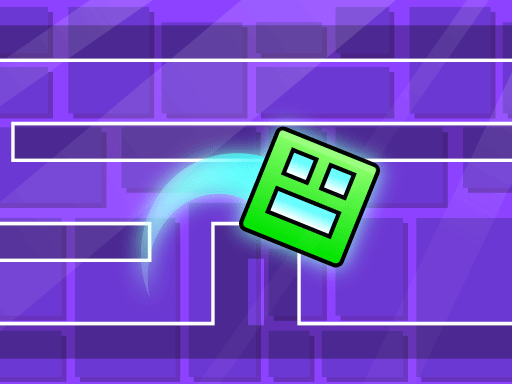
A smiling luminous square travels through a route lined with triangular spikes and other geometric traps. The player controls only the jump, concentrating the challenge into the instant when the square leaves the ground. A safe arc must clear the current peak and still land before the next obstacle. Each survived section carries the character deeper into the maze map. The layouts reward advance observation because a late reaction cannot be corrected by steering in mid-air. Touching a spike or trap stops the attempt, returning the player to the course with better knowledge of its timing.
WHAT TO EXPECT
Before you start
The square approaches hazards automatically, producing a sequence of short visual reads where spacing, obstacle height, and the landing zone determine the next jump moment.
GETTING STARTED
How to play Geometry Dash Maze Maps
Focus slightly ahead of the character and press only when the full spike shape is visible. Use its front edge to judge the takeoff point.
Allow the square to land before preparing the following jump unless the level clearly presents a chained obstacle. Continue through the entire geometric map without contact.
CONTROLS
Controls and device setup
Press the Space bar on PC, or tap the touchscreen on mobile, to make the glowing square jump.
PLAY SMARTER
Tips for Geometry Dash Maze Maps
- Watch the landing gap because clearing one spike can still create a bad descent.
- Use the same landmark to retime a difficult jump after a restart.
- Avoid unnecessary presses on flat ground before a closely spaced trap sequence.