ABOUT THE GAME
Halloween Match Story game overview
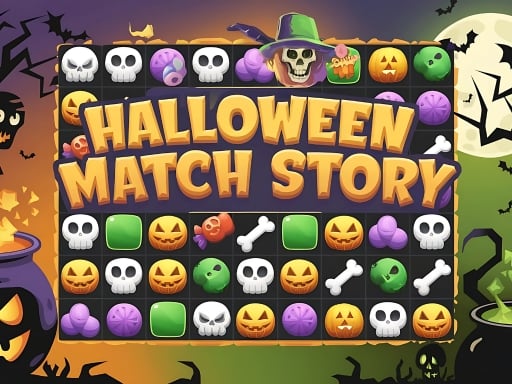
Spooky icons replace ordinary puzzle pieces across a sequence of Halloween boards. Groups of three or more matching items can be selected together, clearing skulls, eyeballs, candy, bones, and other themed objects. Every removal changes what can cluster next as the remaining pieces settle. A running clock adds urgency to the search for useful groups. Hammers and bombs can resolve stubborn areas when natural clusters are too small, while completed levels reveal further Halloween surprises and challenges. The board belongs to one player and accepts either mouse or touch input.
WHAT TO EXPECT
Before you start
Find a cluster of at least three identical icons, remove it, inspect the new arrangement, track the timer, and deploy a power-up only when it meaningfully accelerates the clear.
GETTING STARTED
How to play Halloween Match Story
Start with a group whose removal will drop several matching icons together. Clearing isolated clusters without considering the fall can leave too many scattered pieces late in the level.
Use a hammer for a specific blocker and a bomb when a broader area needs changing. Keep enough time for the final skull, bone, or candy groups.
CONTROLS
Controls and device setup
Click a cluster with the mouse or tap it on a touchscreen when three or more identical Halloween icons are connected.
PLAY SMARTER
Tips for Halloween Match Story
- Clear lower groups first when falling pieces can create a larger match above.
- Save the hammer for one stubborn icon that prevents the last required cluster.
- Use a bomb before the clock becomes critical so its new layout remains useful.


