





ABOUT THE GAME
Harry’s Flight game overview
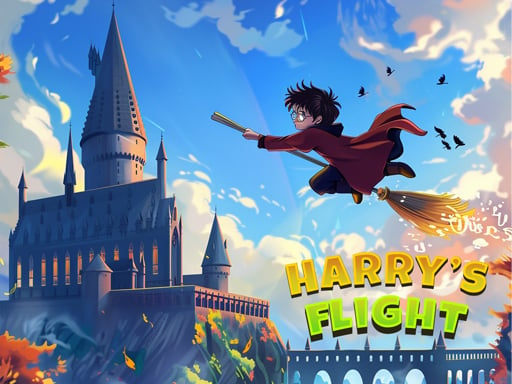
Harry’s Flight unfolds through whimsical sky lanes filled with barriers and collectible unlocks. The central activity is to tap for lift, release for descent, and guide the flying wizard between obstacles. During one-touch broomstick obstacle flight, success depends on adjusting altitude early enough that the broom clears each opening. Longer flights open access to additional playable characters and harder obstacle patterns. Contact with an obstacle ends the current flight and resets the distance attempt. Recheck decisions in Harry’s Flight before committing again.
WHAT TO EXPECT
Before you start
Harry’s Flight offers one-touch broomstick obstacle flight centered on adjusting altitude early enough that the broom clears each opening. Expect longer flights open access to additional playable characters and harder obstacle patterns. Risk: contact with an obstacle ends the current flight and resets the distance attempt.
GETTING STARTED
How to play Harry’s Flight
Begin by watch the first barrier and establish a steady flight height. Then tap for lift, release for descent, and guide the flying wizard between obstacles. In Harry’s Flight, pause before sending another input.
Use brief inputs near narrow gaps rather than holding the climb command. Longer flights open access to additional playable characters and harder obstacle patterns. When pressure rises during one-touch broomstick obstacle flight, remember that contact with an obstacle ends the current flight and resets the distance attempt.
CONTROLS
Controls and device setup
Press Space, click the mouse, or tap the screen to make the broom rise; stop pressing to let the rider descend.
PLAY SMARTER
Tips for Harry’s Flight
- Begin each correction before the broom reaches the obstacle while playing Harry’s Flight.
- Release early when the next safe opening sits below the rider.
- Measure improvement by clean gaps rather than frantic last-second taps.