ABOUT THE GAME
Hunt Skibidi Toilet game overview
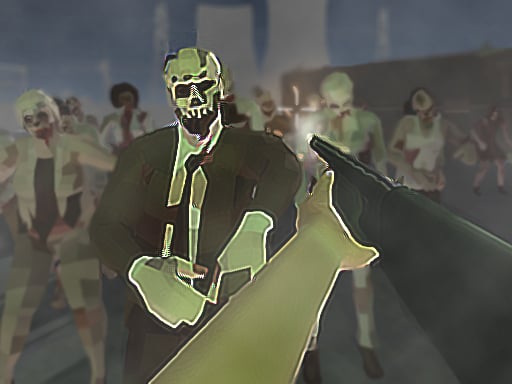
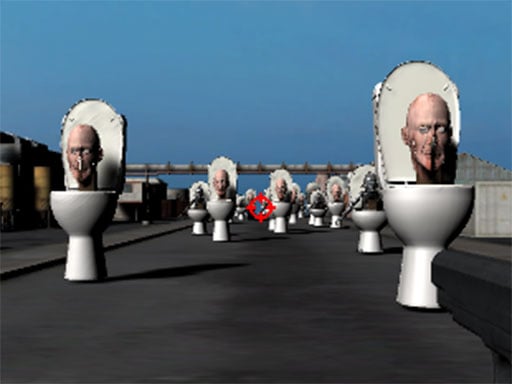
The hunt divides control into two documented phases. During the ready-to-fight portion, dragging the held pointer moves the cursor and fires; the shooting section gives the character direct WASD movement while the mouse handles aim and gunfire. Recognizing which phase is active prevents a useful input from being wasted. Hostile Skibidi creatures turn the distant setting into a survival route rather than a stationary target range. Defeating threats opens room to continue the hunt, while allowing one to close the distance puts the run at risk. Only one armed hunter is active, and the interface exposes no controls for a second player.
WHAT TO EXPECT
Before you start
Exploration and sudden combat alternate as monsters appear, requiring the player to reposition, keep the aim moving, and fire before a creature controls the available space.
GETTING STARTED
How to play Hunt Skibidi Toilet
In ready mode, hold the left mouse button while dragging to direct the cursor and shoot. Sweep areas deliberately so a target is not overlooked at the edge.
When the full shooting controls take over, move with the keyboard and aim with the mouse. Create distance from approaching monsters, then fire from a line that leaves an escape route.
CONTROLS
Controls and device setup
Hold and drag the left mouse button in ready mode; in shooting mode use WASD to move and move the mouse and click to fire.
PLAY SMARTER
Tips for Hunt Skibidi Toilet
- Clear nearby creatures before tracking a target deeper into the area.
- Keep a retreat lane open whenever several monsters enter the same space.
- Confirm the current phase before relying on keyboard movement or cursor dragging.