





ABOUT THE GAME
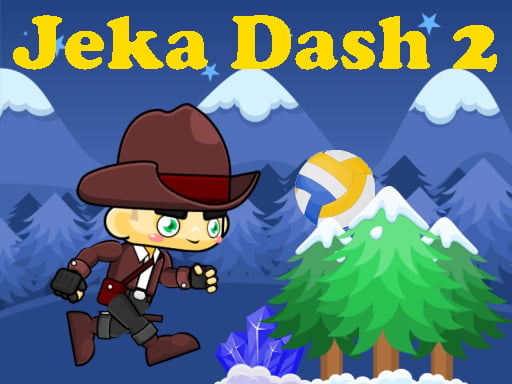
Jeka Dash 2 game overview
The main character advances automatically through varied locations and changes between a person, plane, disc, and ball. Each form reacts differently to the upper and lower commands, so the correct response depends on both the obstacle ahead and the current shape. The finish lies beyond a fixed sequence of hazards. Later levels become harder and ask the player to remember where transitions and threats appear. Crashing interrupts the run before the finish, but another attempt allows the sequence to be learned. Progress comes from completing one route and carrying that timing knowledge into a more demanding stage.
WHAT TO EXPECT
Before you start
Attempts mix quick reactions with memorization: watch the approaching geometry, use the input suited to the current form, note the location of a collision, and refine that moment next time.
GETTING STARTED
How to play Jeka Dash 2
Because forward movement is automatic, concentrate on the obstacle immediately ahead. Use the upper command when its form-specific behavior clears the route, and the lower command for the opposite response.
Remember where a failed attempt changed shape or met a hazard, then prepare that input earlier on the restart. Maintain the correct sequence until the character crosses the level's finish line.
CONTROLS
Controls and device setup
Use left mouse, W, or Up for the upper command; use right mouse, S, or Down for the lower command. On phones, hold the screen's top or bottom area.
PLAY SMARTER
Tips for Jeka Dash 2
- Identify the current shape before applying timing learned from a previous section.
- Use the same visual landmark to trigger an input on repeated attempts.
- After a form change, expect the next obstacle to require a different response.