





ABOUT THE GAME
Makeup Studio Halloween game overview
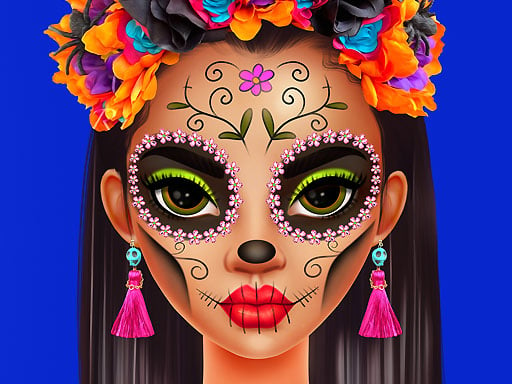
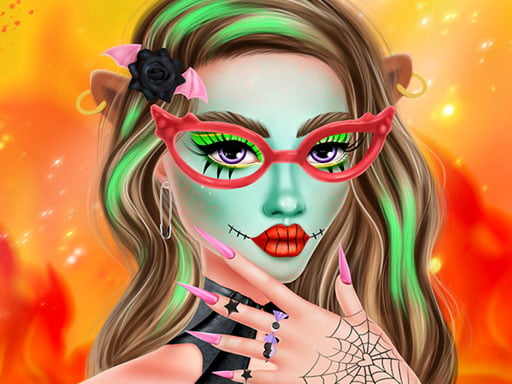
Kiki, Riri, and Regina each present a separate cosmetic concept for Halloween. Kiki's lesson centers on a unicorn transformation, Riri demonstrates a vivid look inspired by Día de los Muertos, and Regina focuses on more refined fantasy makeup. The three themes create visibly different goals rather than one shared palette. The session progresses from one influencer's design to the next as their makeup is completed. No score, timer, or formal losing condition is documented. Accuracy comes from choosing and applying elements that belong to the current concept before moving on to another character's distinct style.
WHAT TO EXPECT
Before you start
Players select cosmetics for the active influencer, build the intended motif step by step, review how its colors and details work together, then begin the next Halloween lesson.
GETTING STARTED
How to play Makeup Studio Halloween
Establish the current theme before adding small details: luminous fantasy choices for Kiki, colorful skeletal motifs for Riri, or a more polished fantasy direction for Regina.
Compare each new cosmetic with the developing face and replace anything that obscures the selected motif. Finish the complete design, then continue until all three Halloween looks are prepared.
CONTROLS
Controls and device setup
Select cosmetics by mouse click on a computer; mobile users touch the matching option on screen.
PLAY SMARTER
Tips for Makeup Studio Halloween
- Keep Kiki's unicorn colors light enough for the fantasy details to remain visible.
- Use strong color contrast to define Riri's skeletal-inspired facial pattern.
- Give Regina fewer ornate focal points for a more sophisticated finish.