ABOUT THE GAME
Minecraft World Adventure game overview
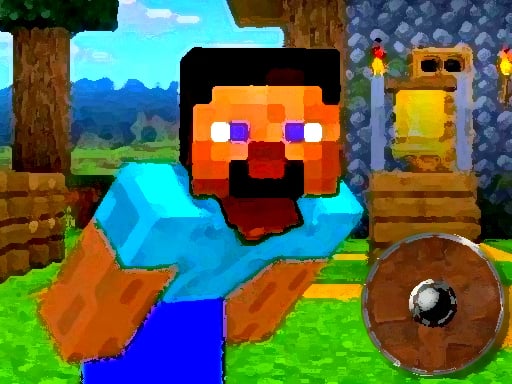
Across the board, Steve begins on a spinning platform with the route home spread across a hazardous pixel world. Because the platform keeps moving, every jump depends on launch direction as well as timing. Everything supports the effort to guide Steve across rotating platforms and continue toward the way home. The next safe landing becomes the immediate target, followed by another rotation and another decision. Pits and obstacles punish guesses, while clean jumps extend the trip. Across later moments, each successful jump advances the journey through another obstacle arrangement. The spinning-platform jump survival follows this boundary: Falling short or striking a dangerous obstacle ends the current attempt.
WHAT TO EXPECT
Before you start
This is a one-button platform challenge with constant motion. Watch a full rotation when necessary, then commit when the character lines up with open ground.
GETTING STARTED
How to play Minecraft World Adventure
Let the current platform carry Steve toward the desired landing point. Press only when the travel direction and the gap appear aligned instead of jumping on a fixed beat.
After landing, reassess the new platform and nearby hazards before moving again. Surviving a jump matters more than forcing the first available opening.
CONTROLS
Controls and device setup
Click the mouse or press the Space bar to make Steve jump from the moving platform.
PLAY SMARTER
Tips for Minecraft World Adventure
- Use each platform's rotation as an aiming guide before pressing jump.
- Favor the center of a landing surface to leave room for correction.
- Pause mentally after landing because the next platform may rotate differently.