ABOUT THE GAME
Pixel Block 3D game overview
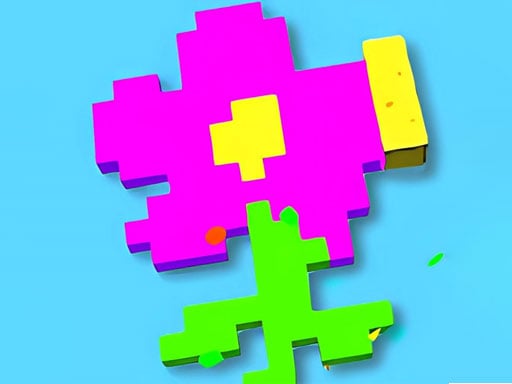
Once the first move is available, Pixel Block 3D asks the player to cover every pixel in a pattern with a moving block. Gaps interrupt the route and punish a careless direction choice. The defining job remains to move the block across every pixel without falling through a gap. Choose a direction, cross available pixels, and continue until the pattern is fully touched. A fall returns the current level for another route. Following steady improvement, a sequence of different level patterns provides new coverage routes. Within the gap-aware pixel path coverage, the limiting outcome is that entering a gap makes the block fall and ends the current level attempt.
WHAT TO EXPECT
Before you start
The presentation is relaxed, but the path requires planning. A move should collect useful pixels while leaving a safe way to reach the remaining area.
GETTING STARTED
How to play Pixel Block 3D
Inspect the entire pattern and locate gaps before the first click. Move toward a broad connected section instead of entering a narrow branch immediately.
Use the mobile direction buttons or desktop clicks carefully. Before committing, check whether the chosen route would strand untouched pixels; if it would, take another branch while the remaining areas are still connected.
CONTROLS
Controls and device setup
Click the mouse to move blocks on desktop, or press the on-screen directional buttons when playing on a mobile device.
PLAY SMARTER
Tips for Pixel Block 3D
- Map the gaps before moving because a single wrong direction ends the attempt.
- Cover narrow branches when a safe return route is still available.
- Pause after each move to confirm which pixels remain connected and reachable.


