ABOUT THE GAME
Plane Crash Ragdoll Simulator game overview
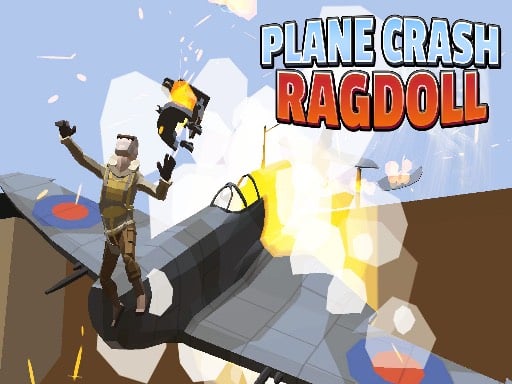
Three named challenges change what the pilot must prioritize. Avoid Rockets turns the sky into a survival route, Destroy Enemies adds an offensive goal, and Low Fuel Landing demands that the aircraft reach the ground before its remaining supply is gone. Planes and helicopters provide different craft choices. A ragdoll pilot and physics-based crashes give mistakes visible consequences. Aircraft and character skins can be unlocked as the scenario collection advances. The control interface centers on one joystick for gas and directional handling, with no second pilot station or multiplayer lobby documented.
WHAT TO EXPECT
Before you start
Choose a scenario and aircraft, apply throttle, steer around immediate danger, pursue the mode-specific task, and complete the landing, survival, or enemy objective before the craft is lost.
GETTING STARTED
How to play Plane Crash Ragdoll Simulator
In Avoid Rockets, change direction before a projectile reaches the aircraft's current line. Keep enough open sky available for the next evasive turn.
During Low Fuel Landing, align with the landing area early and avoid unnecessary climbs. Watch the remaining approach distance and keep the descent smooth. In the enemy scenario, preserve aircraft control while pursuing the required targets.
CONTROLS
Controls and device setup
Press the displayed joystick to apply aircraft gas, and move that same on-screen joystick to control the plane or helicopter's direction.
PLAY SMARTER
Tips for Plane Crash Ragdoll Simulator
- Turn across a rocket's path early rather than reacting after it closes behind you.
- Begin a low-fuel descent with enough distance to line up smoothly.
- Choose open sky for evasive movement so one dodge does not create another collision.