ABOUT THE GAME
Puppy Coloring Book game overview
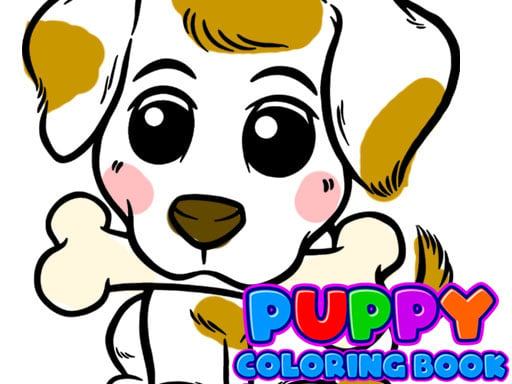
Puppy Coloring Book is a simple digital canvas designed around painting rather than winning. More than forty objects are available to color, giving young artists room to change subjects instead of repeating one outline. The interface keeps the activity direct: choose a color, move to the picture, and begin filling or drawing where you want. Because the artwork responds to a finger as well as a mouse click, the same basic process works on touch screens and computers. There is no required palette, score target, or opponent. A session can be a quick experiment with one puppy picture or a longer attempt to decorate many objects with a consistent scheme.
WHAT TO EXPECT
Before you start
This is an unhurried creative activity with a large set of colorable objects, straightforward input, and freedom to decide which areas deserve another shade or detail.
GETTING STARTED
How to play Puppy Coloring Book
Select an object from the available coloring choices, then choose the shade you want to apply. Move across the artwork one section at a time so neighboring areas remain easy to distinguish.
Change colors whenever the design needs contrast, and continue drawing or painting with your finger or pointer. There is no mandatory finish signal, so stop when the current picture looks complete to you.
CONTROLS
Controls and device setup
Click with a mouse or tap and paint with a fingertip on a touch screen.
PLAY SMARTER
Tips for Puppy Coloring Book
- Color the largest shapes first, then return to smaller decorative details.
- Alternate light and dark shades when adjacent regions blend together.
- Try a different object when you want to experiment with a new palette.