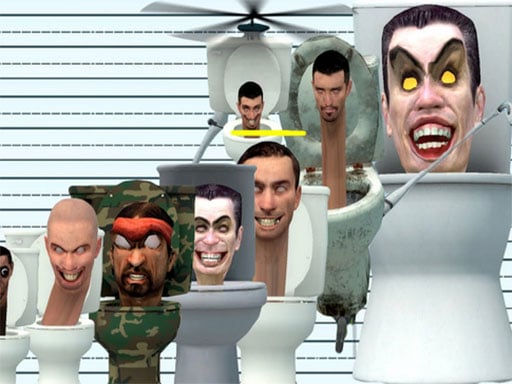
ABOUT THE GAME
Skibidi Toilet Find Difference game overview
With play in motion, Skibidi Toilet Find Difference places two nearly identical pictures side by side. Six changed details must be located within the current round's time limit. A complete result requires you to find and mark every difference between each pair of pictures. Compare one region, click a confirmed mismatch, and continue until all six are marked. A collection of more than forty pictures sustains the progression. Following a useful result, more than forty image pairs provide repeated six-item observation rounds. The round ends unsuccessfully if any difference remains when the timer expires; this outcome sets the boundary for the timed six-difference picture search.
WHAT TO EXPECT
Before you start
The timer rewards a methodical scan more than random clicking. Differences may involve small details, so dividing the image into sections helps maintain coverage. Beyond the first action, more than forty image pairs provide repeated six-item observation rounds.
GETTING STARTED
How to play Skibidi Toilet Find Difference
Start at one corner and compare corresponding areas across both images. Click only after verifying a real difference, then resume the scan where it stopped.
Use the remaining count to check whether an area deserves another look. Near the deadline, inspect edges and small background objects before repeating obvious regions.
CONTROLS
Controls and device setup
Move the mouse over a differing detail and click it to mark the discovery before the timer expires.
PLAY SMARTER
Tips for Skibidi Toilet Find Difference
- Scan both images in matching sections so no area is accidentally skipped.
- Check outlines and background details after finding the most visible changes.
- Avoid random clicks because they consume attention without confirming a difference.