ABOUT THE GAME
Slinger 3D game overview
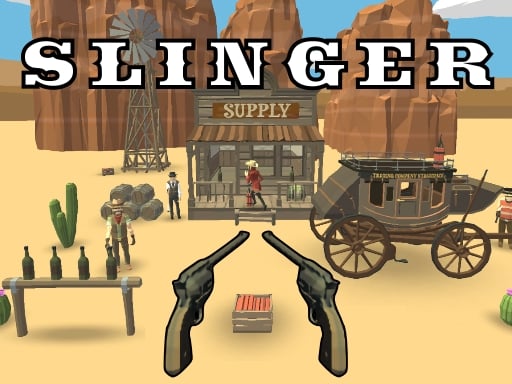
Slinger 3D places an honorable sheriff aboard a train carrying gold through the Wild West. Numerous outlaws want the shipment, yet the assignment is not to kill them indiscriminately. Shots should disarm the attackers and destroy their TNT cache, keeping the defensive mission focused on precision rather than raw firepower. Twelve levels structure the campaign, supported by three-dimensional scenes and five musical scores. Aiming includes a separate zoom-and-look action on desktop, while touch play combines aiming and firing into a drag-and-release gesture. Each encounter asks you to identify the correct target and place the shot cleanly before the shipment is overrun.
WHAT TO EXPECT
Before you start
The campaign delivers measured target shooting from a train setting, with bandit weapons and TNT taking priority over reckless shots as the twelve missions advance.
GETTING STARTED
How to play Slinger 3D
On desktop, move the aiming cursor onto the object that should be hit and use the right mouse button to drag the view or zoom. Confirm the intended target before firing.
Shoot to disarm the bad guys and destroy TNT rather than aiming without distinction. On touch screens, drag to adjust the aim and zoom, then release to fire the shot.
CONTROLS
Controls and device setup
Aim with the cursor and left-click to fire; right-drag to aim and zoom. On touch screens, drag to aim and release to shoot.
PLAY SMARTER
Tips for Slinger 3D
- Identify weapons and TNT first so each bullet serves the defensive mission.
- Use the zoom drag to settle the cursor before a distant shot.
- Release touch input only after the target remains centered during the drag.