ABOUT THE GAME
Sudoku Christmas game overview
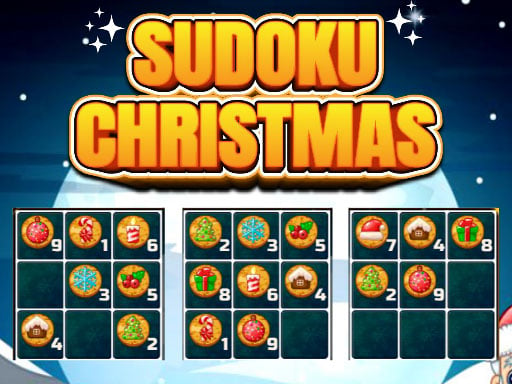
Sudoku Christmas replaces numbers with seasonal items while keeping the classic logic rules intact. Players may choose a 4x4, 6x6, or 9x9 grid and select a difficulty level. Every item must appear without duplication across its row, column, and corresponding subgrid. The smaller layouts provide a gentler way to learn the symbol set, while the 9x9 option demands a broader scan of intersecting constraints. Filling a space is a two-step action: select the empty tile, then choose the Christmas item from the panel on the left.
WHAT TO EXPECT
Before you start
Expect a methodical Christmas logic exercise with selectable grid sizes and difficulty, where every placement must satisfy its row, column, and subgrid simultaneously throughout play.
GETTING STARTED
How to play Sudoku Christmas
Choose the grid size and difficulty before starting. For an empty space, inspect its entire row, column, and subgrid to see which Christmas items are already present.
Tap the empty tile, then tap the correct item in the left panel. Continue filling only placements supported by all three constraints until the chosen grid is complete.
CONTROLS
Controls and device setup
Tap or click an empty grid tile, then select the desired Christmas item from the panel on the left.
PLAY SMARTER
Tips for Sudoku Christmas
- Begin with a row or subgrid that already contains many items.
- Use smaller grids to learn the icons before attempting nine by nine.
- Recheck both the column and subgrid before confirming an obvious row choice.


