ABOUT THE GAME
T20 Cricket game overview
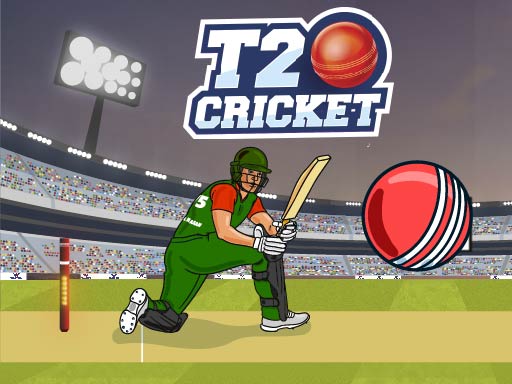
At the outset, T20 Cricket places the player at the crease for a stream of fast deliveries. The bowler's approach provides the cue, while the batting decision is reduced to a precisely timed strike. One requirement is to time each cricket shot to defend the wicket or strike the ball. Every ball creates a short read-and-react sequence: follow its arrival, decide when to swing, and see whether the shot connects or the wicket needs defending. The batting session supplies the progression. Beyond the opening, success is measured across successive deliveries during the batting session. Batting outcomes unfold ball by ball, with no separate lives counter.
WHAT TO EXPECT
Before you start
The emphasis is on timing rather than full-team management. Deliveries arrive from the bowler, and one click or tap commits the bat to the shot.
GETTING STARTED
How to play T20 Cricket
Keep attention on the bowler and the moving ball instead of tapping as soon as the delivery begins. Wait for the ball to enter the batter's useful hitting window.
Commit once per delivery and adjust the next attempt from the previous contact. An early or late action changes the result, so build a repeatable rhythm.
CONTROLS
Controls and device setup
For T20 Cricket, click the play area as the ball reaches the batter on desktop; touchscreen players tap at that moment.
PLAY SMARTER
Tips for T20 Cricket
- Track the ball from release so its arrival never becomes a surprise.
- Avoid rapid repeated taps because one considered swing gives clearer timing feedback.
- Use each missed contact to shift the following swing slightly earlier or later.