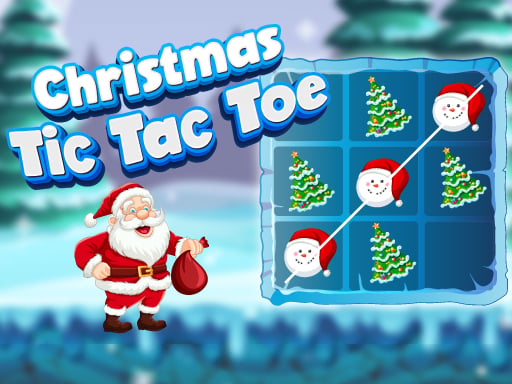
ABOUT THE GAME
Tic Tac Toe: Easy and Hard AI game overview
The familiar three-by-three grid supports two kinds of opponent. Easy and Hard AI offer different computer challenges for a solo match, while local Player versus Player lets two people take opposing marks on the same board. Each open square can contribute to a row, column, or diagonal. A good move serves two purposes when possible: extending a potential line and removing the opponent's strongest reply. Hard AI makes loose openings more costly, whereas a local match depends on reading the other person's plan. A filled grid without three aligned marks produces a draw instead of a winner.
WHAT TO EXPECT
Before you start
Rounds last only a few turns. Select an empty cell, inspect every two-mark threat, block an immediate loss, and create intersecting lines that cannot both be stopped.
GETTING STARTED
How to play Tic Tac Toe: Easy and Hard AI
Choose the preferred AI difficulty or the local PvP option. During the round, claim the center or a corner when that square supports more future alignments than an edge.
Before attacking, check whether the opposing mark already occupies two cells in a line. Block first, then look for a placement that creates two possible winning squares.
CONTROLS
Controls and device setup
Choose modes and place a mark with a mouse click on desktop, or tap an empty grid square on a touchscreen.
PLAY SMARTER
Tips for Tic Tac Toe: Easy and Hard AI
- Against Hard AI, avoid side-only openings that surrender several strong replies.
- In local play, watch both diagonals after every move near the center.
- A fork is strongest when its two winning cells lie on different lines.