





ABOUT THE GAME
Toca Life Coloring Book game overview
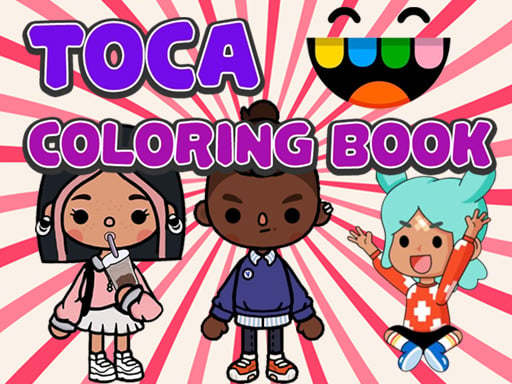
Toca Life Coloring Book offers twenty character-and-scene pages inspired by a whimsical life-play setting. Instead of solving a timed puzzle, players choose how each picture should look and gradually turn its uncolored sections into a personal design. The numbered set of pages gives the activity a clear sequence without imposing a score. Colors can be explored for relaxation, contrast, or simple experimentation, and a page is finished according to the player's own visual judgment. This creates a focused example of twenty Toca-inspired coloring scenes.
WHAT TO EXPECT
Before you start
A bright digital coloring interface, twenty separate scenes, familiar playful characters, open-ended color decisions, and low-pressure creative progress suit short or extended sessions. Twenty Toca-inspired coloring scenes gives the experience variety.
GETTING STARTED
How to play Toca Life Coloring Book
Open one of the available coloring pages and use the pointer or touchpad to choose a color. Apply it to the intended part of the scene, beginning with large areas.
Change colors as often as the design requires and continue into smaller details after the main sections are established. Move to another page whenever the current artwork feels complete.
CONTROLS
Controls and device setup
Use mouse clicks or a touchpad to choose coloring tools, select shades, and apply them to the picture.
PLAY SMARTER
Tips for Toca Life Coloring Book
- Choose a limited palette first so the character and background feel connected.
- Fill broad sections before working around the smallest decorative details.
- Use contrasting colors when adjacent shapes are difficult to distinguish.