ABOUT THE GAME
Unicorn Kingdom game overview
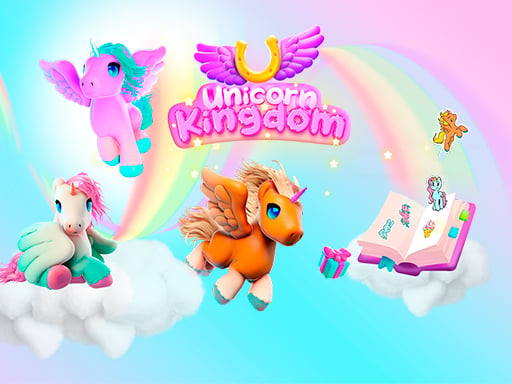
Three unicorn companions give Unicorn Kingdom its changing scenery. Arya appears in a snowy realm, Canelita gallops through a spring forest, and Candy visits a chocolate land dotted with giant glazed doughnuts. Alongside those journeys, a gem minigame supplies the collection activity that ties the different places together. Gems can be dragged together and mixed to win prizes, including stickers used to decorate an album. That structure makes the experience more about discovery and collection than defeating an opponent. Running and flying controls handle the travel portions, while pointer dragging takes over whenever two gems need to be combined.
WHAT TO EXPECT
Before you start
Play moves between colorful unicorn travel and a hands-on merging task, with each successful combination contributing new sticker material for the album rather than a traditional final battle.
GETTING STARTED
How to play Unicorn Kingdom
Use the movement inputs to guide the active unicorn through its themed kingdom. Switch between running and flying as the route requires, taking time to notice which companion and environment are currently active.
In the gem minigame, keep a mouse click held as you drag one matching piece toward another. Continue making useful combinations to obtain prizes, then place the resulting stickers into the album.
CONTROLS
Controls and device setup
Press W to fly and D to run; combine gems by holding a mouse click while dragging one piece to another.
PLAY SMARTER
Tips for Unicorn Kingdom
- Separate travel inputs from merging actions so an accidental drag does not interrupt planning.
- Look for matching gems before moving one across a crowded part of the board.
- Revisit the album after several combinations to see which stickers were added.