





ABOUT THE GAME
World of Alice Rocks Textures game overview
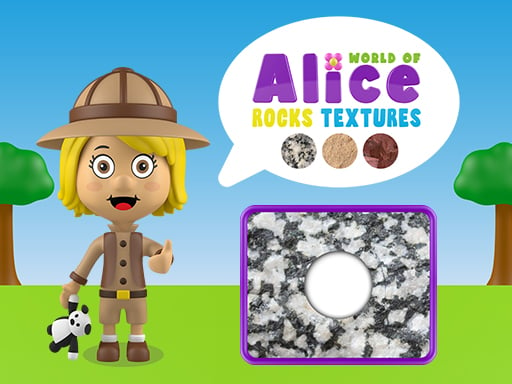
World of Alice Rocks Textures takes place in an educational geology board pairing rock samples with close-up surface patterns. You compare each stone with the available texture and drag the correct match into place. Success depends on noticing grain, color variation, and surface structure rather than relying on shape. Correct placements complete the current geology activity and introduce further examples. An incorrect texture placement must be corrected before the board can be completed. In World of Alice Rocks Textures, every result informs the next move.
WHAT TO EXPECT
Before you start
World of Alice Rocks Textures emphasizes rock texture recognition activity. Key decisions involve noticing grain, color variation, and surface structure rather than relying on shape. As difficulty grows, rock texture recognition activity remains the focus.
GETTING STARTED
How to play World of Alice Rocks Textures
First, compare coarse and smooth surfaces before focusing on smaller color differences. Next, compare each stone with the available texture and drag the correct match into place. Pause after each result before continuing.
Start with the most distinctive grain pattern to reduce the remaining options. Correct placements complete the current geology activity and introduce further examples. Main risk: an incorrect texture placement must be corrected before the board can be completed.
CONTROLS
Controls and device setup
Click or touch a rock texture, drag it toward the matching sample area, and release the mouse button or finger to place it.
PLAY SMARTER
Tips for World of Alice Rocks Textures
- Use both texture direction and color distribution when two samples look close. Keep one useful puzzle follow-up available.
- Return a doubtful piece instead of forcing it into an uncertain position. During rock texture recognition activity, read the consequence before choosing again.
- Study the feedback from each placement to improve the next comparison. This protects late progress during rock texture recognition activity.