ABOUT THE GAME
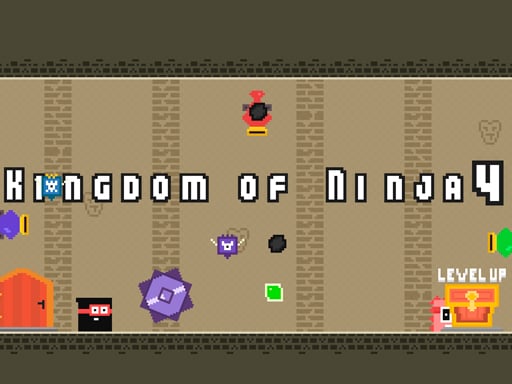
Kingdom of Ninja 4 game overview
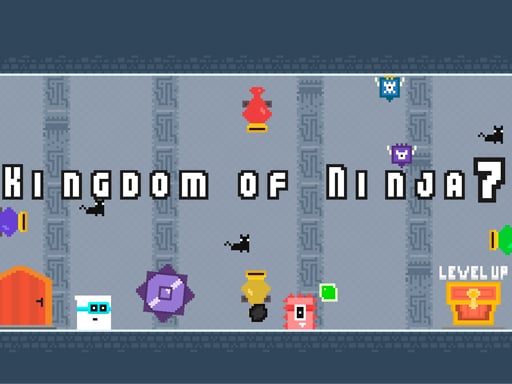
Kingdom of Ninja 4 builds a twenty-level platform challenge from a compact set of actions. The ninja moves horizontally and jumps, while monsters and balls turn each path into a timing exercise. Some threats occupy the ground and others travel through space that would otherwise look safe for a landing. The stated level count gives the adventure a clear endpoint and a steady measure of progress. No weapon input is listed, so successful play centers on movement and avoidance. Touch controls are available alongside the keyboard scheme, preserving the same jump-focused challenge across devices.
WHAT TO EXPECT
Before you start
Expect twenty short but difficult stages where patient observation, precise Z-key jumps, and safe landings matter more than rushing past balls and monsters on sight.
GETTING STARTED
How to play Kingdom of Ninja 4
Use the Arrow keys to position the ninja and press Z for a jump. Wait on safe ground long enough to understand how a moving ball crosses the intended route.
Pass monsters without entering their path, choose landings that remain clear, and work through all twenty levels. On a touch device, use the displayed movement and jump buttons.
CONTROLS
Controls and device setup
Move with the Arrow keys and jump with Z, or tap the equivalent on-screen mobile controls.
PLAY SMARTER
Tips for Kingdom of Ninja 4
- Wait for a ball to pass before jumping into its travel line.
- Choose the safest landing, not merely the farthest platform you can reach.
- Reset your timing after every monster instead of carrying one rhythm forward.