ABOUT THE GAME
Kingdom of Ninja 7 game overview
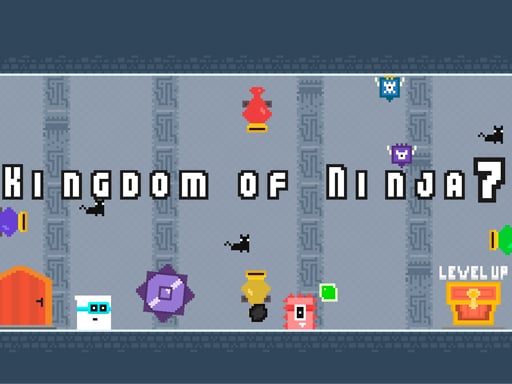
Kingdom of Ninja 7 closes the series with its most extreme challenge. Monsters occupy the path while balls and cannonballs create moving hazards at different speeds. Sharp thorns punish an inaccurate landing, so the ninja must read several threats together instead of treating each platform in isolation. The control scheme stays intentionally small: directional arrows move the character, and one jump key handles every ascent or evasive leap. That simplicity leaves the difficulty in the obstacle layout. Mobile touch buttons reproduce the same actions for a screen-based attempt.
WHAT TO EXPECT
Before you start
Expect the final series entry to demand careful timing through dense combinations of monsters, balls, cannon fire, and thorns, often leaving very little recovery space.
GETTING STARTED
How to play Kingdom of Ninja 7
Move with the Arrow keys and approach each hazard cluster slowly enough to see the cannonball rhythm. Press Z to jump once a safe landing space is visible.
Avoid monsters and rolling balls while keeping away from thorn-covered ground. Continue clearing the difficult routes until the ninja has completed the final game's levels.
CONTROLS
Controls and device setup
Movement uses the Arrow keys and Z performs jumps; mobile players can use the on-screen touch controls.
PLAY SMARTER
Tips for Kingdom of Ninja 7
- Watch at least one cannonball cycle before entering its firing lane.
- Land away from thorns even when a shorter jump seems faster.
- Handle one moving hazard at a time whenever the layout permits waiting.