ABOUT THE GAME
Parallel Universe City Adventure game overview
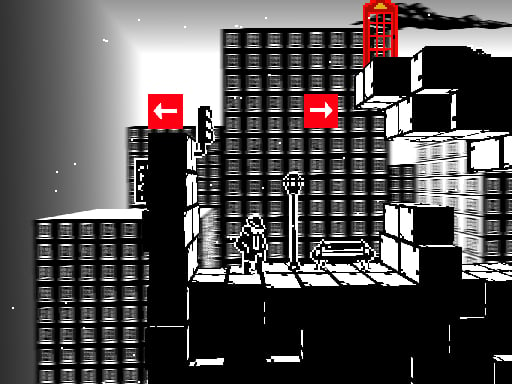
As the current task opens, Parallel Universe City Adventure gives one player the ability to change a 2D metropolis while moving through it. Roads and structures form the puzzle itself. A purposeful run aims to reshape city structures to overcome obstacles and reach the designated target. Explore the current layout, shift the relevant piece of city infrastructure, and use the altered route to move around an obstacle toward the marked target. As the session moves forward, solved layouts open further urban puzzles with new spatial relationships. The stage remains incomplete until the target is reached; no lives rule limits retries.
WHAT TO EXPECT
Before you start
Creativity and navigation are linked. A structure should be changed for a reason, because its new position can open one route while closing another. When later actions unfold, solved layouts open further urban puzzles with new spatial relationships.
GETTING STARTED
How to play Parallel Universe City Adventure
Use WASD to inspect accessible streets and identify the obstacle between the character and target. Determine which city element must move before changing the layout.
After a shift, trace the new path mentally and navigate through it. If the target remains blocked, reconsider the structure rather than repeating movement. Use each result as preparation for continued play: Solved layouts open further urban puzzles with new spatial relationships.
CONTROLS
Controls and device setup
Press the W, A, S, and D keyboard keys to move through the city and navigate around shifted structures.
PLAY SMARTER
Tips for Parallel Universe City Adventure
- Locate the designated target before deciding which city structure to shift.
- Check what a move closes as well as the route it opens.
- Navigate the revised path carefully before making another infrastructure change.