ABOUT THE GAME
Baby Supermarket for Kids game overview
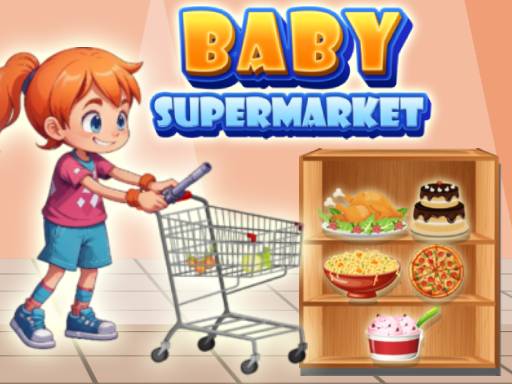
The supermarket is organized as an early-learning environment rather than a race. Children can move among colorful aisles, choose products, and enter short activities tied to numbers, colors, shapes, or simple arithmetic. Friendly characters provide guidance as each shopping interaction begins. Progress comes from exploring more of the store and completing its small educational tasks. The pace remains open, allowing a player to repeat a selection or spend longer on one concept without a score penalty. One pointer or tapping role controls every item and mini-game.
WHAT TO EXPECT
Before you start
Visit an aisle, choose a visible product or activity, respond to the guided learning prompt, finish that short task, and continue shopping in another part of the supermarket.
GETTING STARTED
How to play Baby Supermarket for Kids
Follow the on-screen character's cue and inspect the requested color, shape, or number before selecting. Compare the visible options rather than tapping the first bright item.
Complete the current mini-game, then return to the shopping environment and explore another aisle. Repeat an activity when more practice with its concept would be useful.
CONTROLS
Controls and device setup
Select products and learning choices with the left mouse button on desktop; on mobile, tap the relevant item or screen option.
PLAY SMARTER
Tips for Baby Supermarket for Kids
- Say the requested number or color aloud before choosing its matching supermarket item.
- Compare shapes by their outlines when several products share similar bright colors.
- Repeat a math mini-game before moving aisles if its answer required guessing.


