





ABOUT THE GAME
World of Alice Search and Find game overview
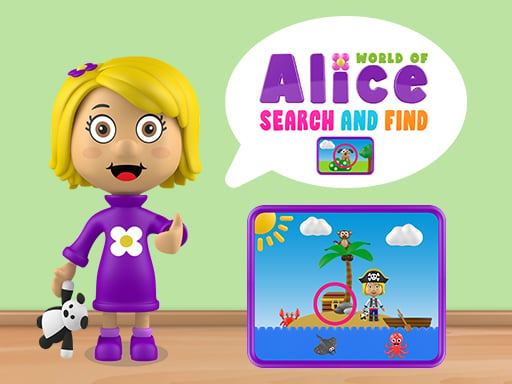
World of Alice Search and Find takes place inside detailed illustrated scenes containing a requested set of concealed items. You scan each image, locate the named object, and select its exact position. Success depends on using shape and outline clues instead of repeatedly tapping crowded areas. Each correct discovery removes an item from the search list and advances the activity. The scene remains incomplete while any requested object has not been found. In World of Alice Search and Find, every result informs the next move.
WHAT TO EXPECT
Before you start
World of Alice Search and Find emphasizes hidden-object picture search. Key decisions involve using shape and outline clues instead of repeatedly tapping crowded areas. As difficulty grows, hidden-object picture search remains the focus.
GETTING STARTED
How to play World of Alice Search and Find
First, read the requested object name before scanning the illustration. Next, scan each image, locate the named object, and select its exact position. Pause after each result before continuing.
Search the scene in a fixed left-to-right pattern to avoid omissions. Each correct discovery removes an item from the search list and advances the activity. Main risk: the scene remains incomplete while any requested object has not been found.
CONTROLS
Controls and device setup
Select the concealed animal or object by clicking its exact position with a mouse, or tapping that spot on a touch screen.
PLAY SMARTER
Tips for World of Alice Search and Find
- Look for partial outlines where an object overlaps surrounding scenery. Keep one useful casual follow-up available.
- Change attention from color to shape when camouflage makes hues unreliable. During hidden-object picture search, read the consequence before choosing again.
- Avoid random taps and verify the complete object boundary before selecting. This protects late progress during hidden-object picture search.